AI Video Translation & Persian Dubbing
Start with a supported YouTube link or uploaded video, review the transcript and subtitles, and receive Persian dub audio and video outputs according to your settings.
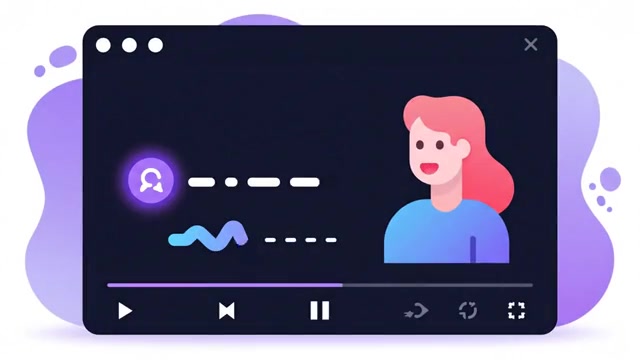
Choose Video Source
Paste a YouTube link or upload video files; instant validation inspects stream formats.
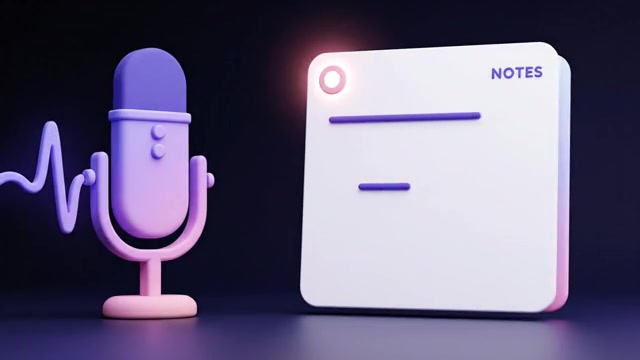
Subtitles & Voice Tuning
Select language pair, target AI models and tailored voice personalities for your content.
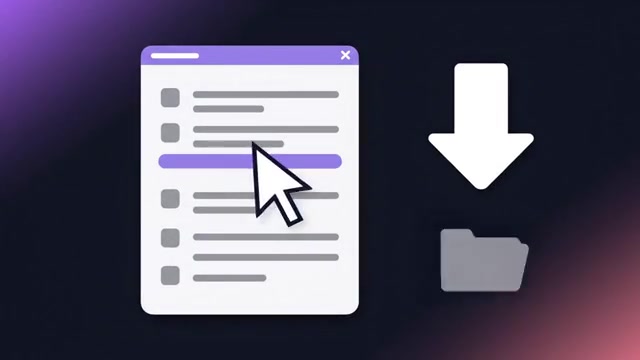
Isolated Output Delivery
Download SRT/ASS subtitles, isolated dub audio tracks, burned-in video and ZIP packages independently.
Translate. Dub. Transcribe.
Browser to desktop.
From meetings and interviews to videos, games and local files: choose the app for what you want to understand.
Manual Chrome installation from a ZIP. Processing uses your account credits.


Alongside your videos, meetings and interviews.
- Video in the same tab
- Follow web video with Standard-mode dubbing and subtitles.
- Two-way online meetings
- Use Live mode and two-way translation for meetings such as Google Meet.
- Interview transcription
- Transcribe an interview from tab audio, your microphone or both.
- Review interview notes
- Reopen saved interviews and their transcripts for review.

Before you start
Which video translation outputs can I receive?
Depending on your request settings, outputs can include subtitles, dubbed audio and video. Check selected outputs before processing, then review the transcript and proper names in the editor.
Can every YouTube link be processed?
Source access, content restrictions and downloadable formats may prevent processing. You can also upload a file you have permission to use.
Cost depends on the model, input length and settings. Review the estimate and approved spending ceiling before confirming a request.
Start now with your unified account.
Instant access to all frontier AI models, dubbing, conversion, and multi-source extraction tools.
Create Account & Try