AI 비디오 번역 및 페르시아어 더빙
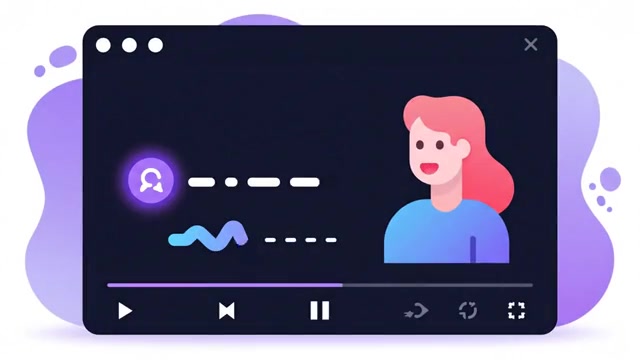
지원되는 YouTube 링크 또는 업로드된 비디오로 시작하여 대본과 자막을 검토하고 설정에 따라 페르시아어 더빙 오디오 및 비디오 출력을 받으세요.
비디오 소스 선택
YouTube 링크를 붙여넣거나 비디오 파일을 업로드하십시오. 즉시 유효성 검사가 스트림 형식을 검사합니다.
자막 & 음성 튜닝
콘텐츠에 대한 언어 쌍, 대상 AI 모델 및 맞춤형 음성 페르소나를 선택하세요.
격리된 출력 전달
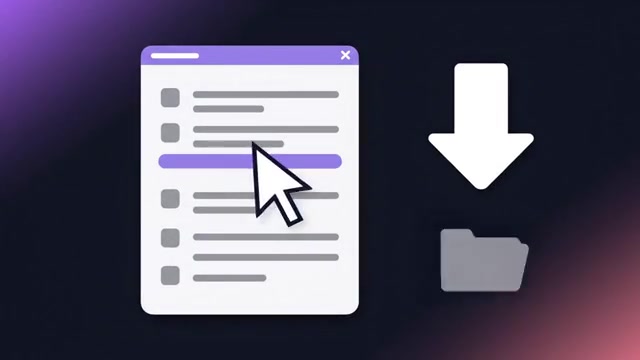
SRT/ASS 자막, 분리된 더빙 오디오 트랙, 비디오에 구워진 자막 및 ZIP 패키지를 독립적으로 다운로드합니다.
Translate. Dub. Transcribe.
브라우저에서 데스크톱으로.
From meetings and interviews to videos, games and local files: choose the app for what you want to understand.
ZIP에서 수동 Chrome 설치. 처리는 계정 크레딧을 사용합니다.


Alongside your videos, meetings and interviews.
- Video in the same tab
- Follow web video with Standard-mode dubbing and subtitles.
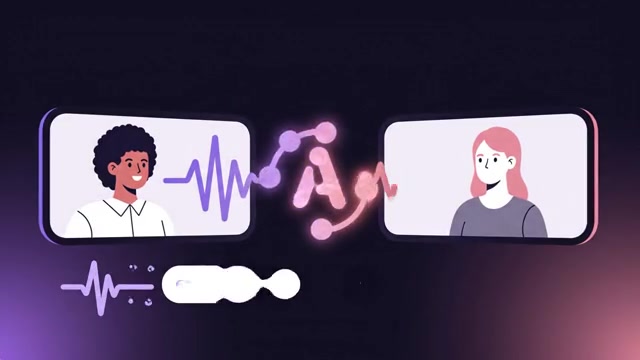
- Two-way online meetings
- Use Live mode and two-way translation for meetings such as Google Meet.
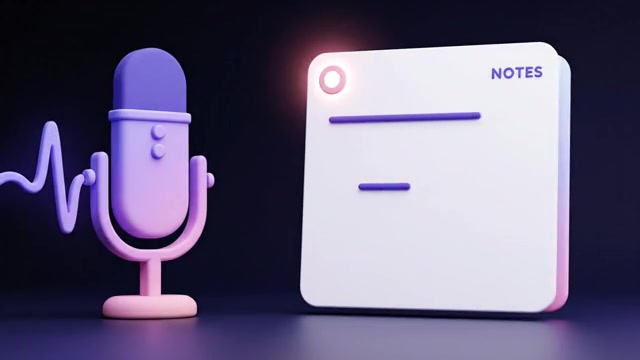
- Interview transcription
- Transcribe an interview from tab audio, your microphone or both.
- Review interview notes
- Reopen saved interviews and their transcripts for review.
시작하기 전에
Which video translation outputs can I receive?
Depending on your request settings, outputs can include subtitles, dubbed audio and video. Check selected outputs before processing, then review the transcript and proper names in the editor.
Can every YouTube link be processed?
Source access, content restrictions and downloadable formats may prevent processing. You can also upload a file you have permission to use.
비용은 모델, 입력 길이 및 설정에 따라 달라집니다. 요청을 확인하기 전에 예상 비용 및 승인된 지출 한도를 검토하세요.
비용 및 서비스 질문 · 지원팀에 문의 · 개인 정보
통합 계정으로 지금 시작하세요.
모든 최첨단 AI 모델, 더빙, 변환 및 다중 소스 추출 도구에 즉시 액세스.
계정 생성 및 체험