Sataves for browser & Windows
Translate, dub and transcribe videos, meetings, interviews, games and local files. Choose the app or browser extension for your workflow.
Translate. Dub. Transcribe.
Del navegador al escritorio.
From meetings and interviews to videos, games and local files: choose the app for what you want to understand.
Instalación manual de Chrome desde un ZIP. El procesamiento utiliza los créditos de su cuenta.

Alongside your videos, meetings and interviews.
- Video in the same tab
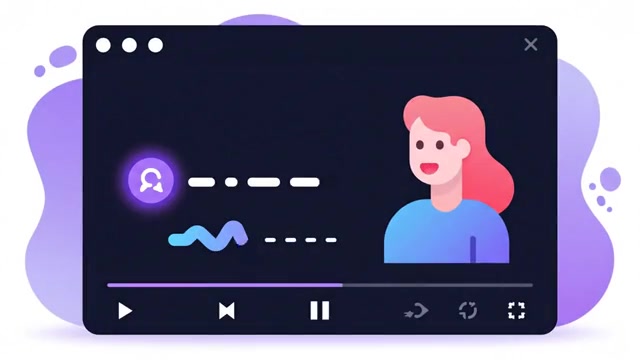
- Follow web video with Standard-mode dubbing and subtitles.
- Two-way online meetings
- Use Live mode and two-way translation for meetings such as Google Meet.
- Interview transcription
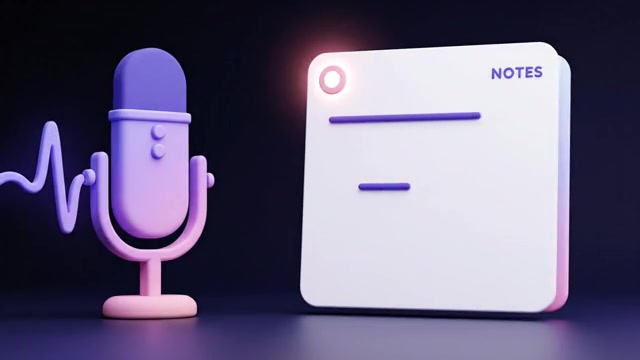
- Transcribe an interview from tab audio, your microphone or both.
- Review interview notes
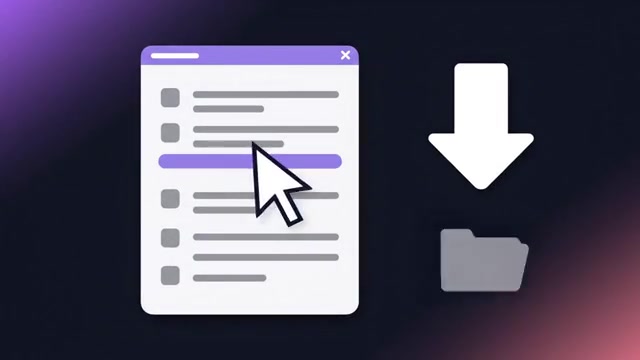
- Reopen saved interviews and their transcripts for review.

Empieza aquí
Sataves browser dubbing extension
1. Download and install
Extract the ZIP. Open chrome://extensions, enable Developer mode and use Load unpacked to select the extension folder.
2. Connect your account
Complete device pairing from the extension page in your Sataves account, then select your video tab.
3. Choose and play
Choose your target language and Standard or Live mode. Tab audio sharing starts with your action; review processing conditions and cost before starting.
Sataves for Windows: video and conversation
1. Download the app
Windows 11 x64 is recommended; minimum build 20348. Extract the ZIP and launch SatavesDub.exe.
2. Connect and choose a mode
Pair the app with your Sataves account. Choose video or two-way conversation and configure the languages.
3. Review and listen
Follow preparation status, adjust original and dubbed volume, and review the result before use.